Installation Instructions
Windows
- Download the .exe file from the Git Visor Desktop App
- Run the .exe file
3. Wait for the installation to complete, and the app will launch automatically.
macOS
- Download the .dmg file from the Git Visor Desktop App
- Open the .dmg file and drag the Git Visor app to your Applications folder
- Launch the app from your Applications folder
If you encounter a warning about the app being from an untrusted developer, click the question mark icon on the top right and follow the instructions to open the app anyway.
How to Use
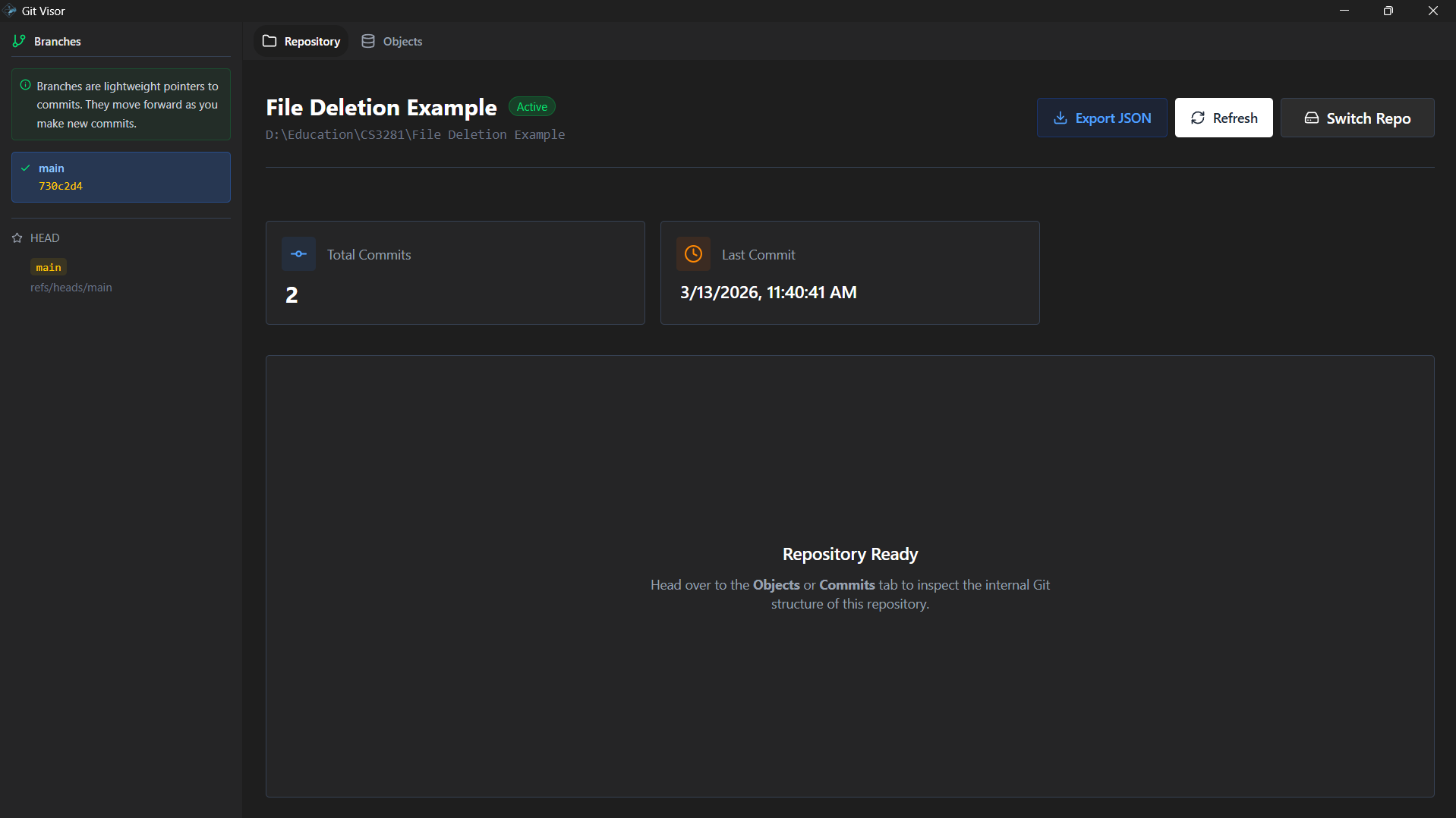
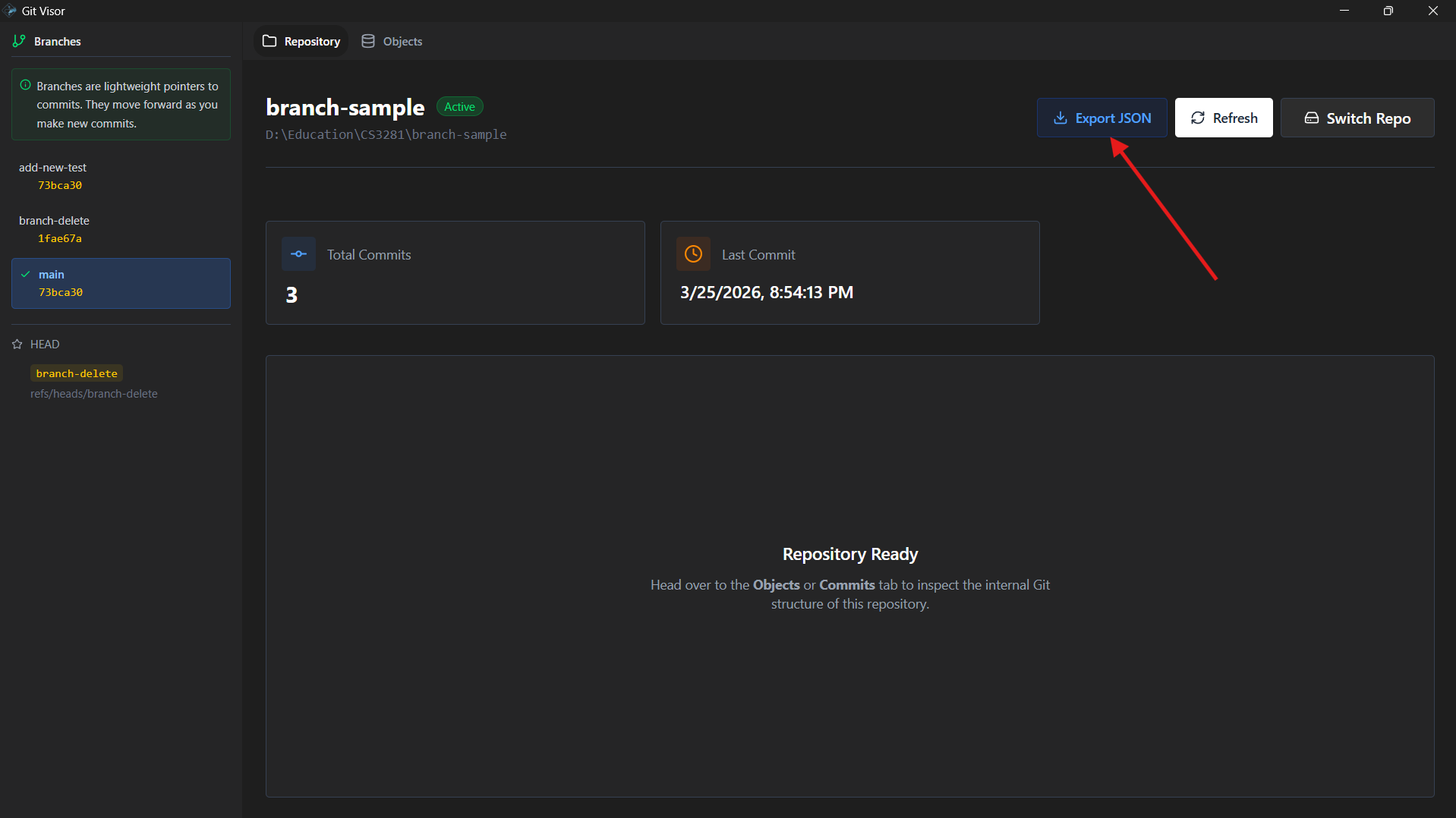
- Open Git Visor and select "Open Repository" to choose a Git repository on your local machine. Make sure to select the folder that contains the .git directory of your repository. Your screen should now look something like this:
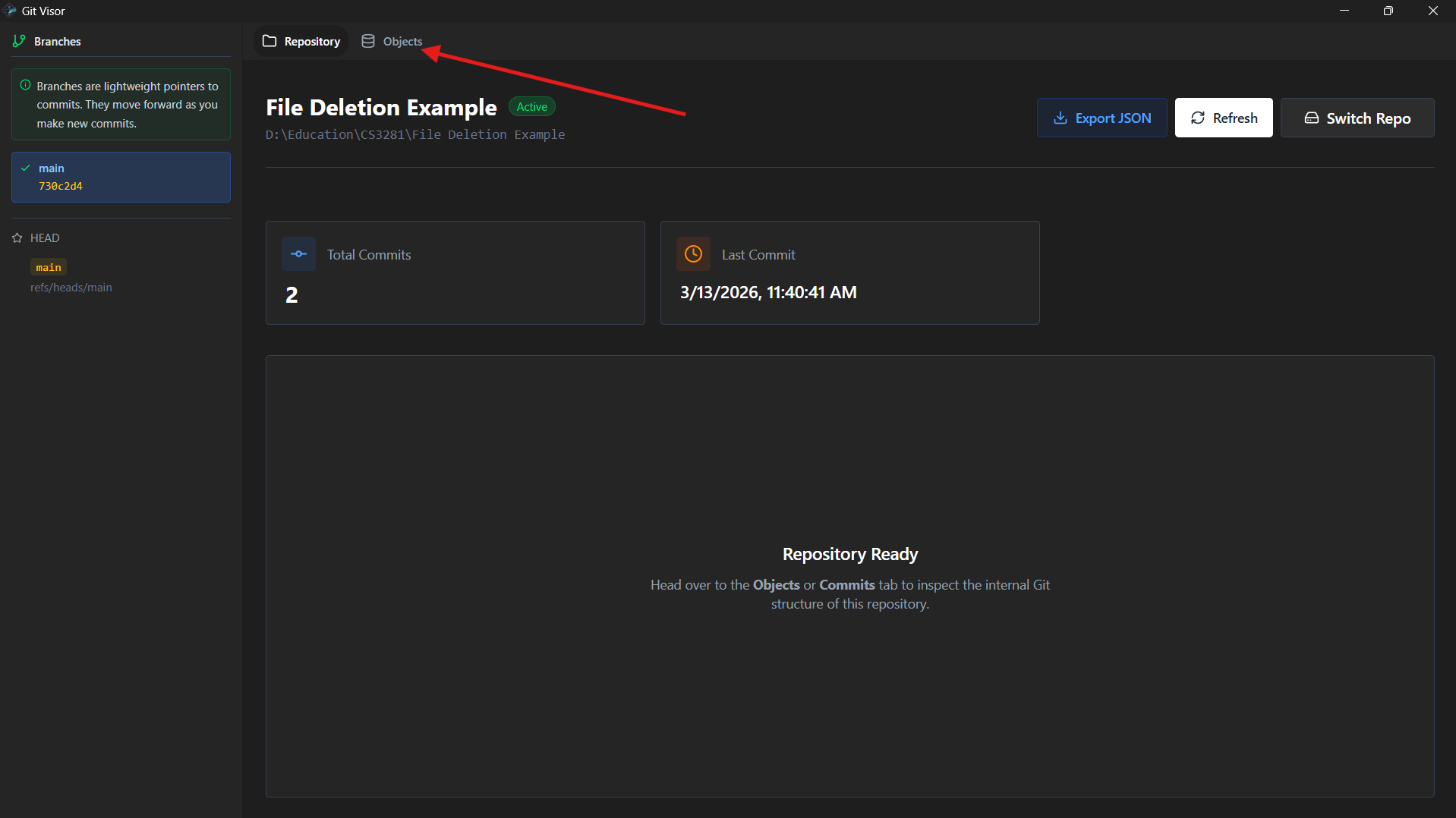
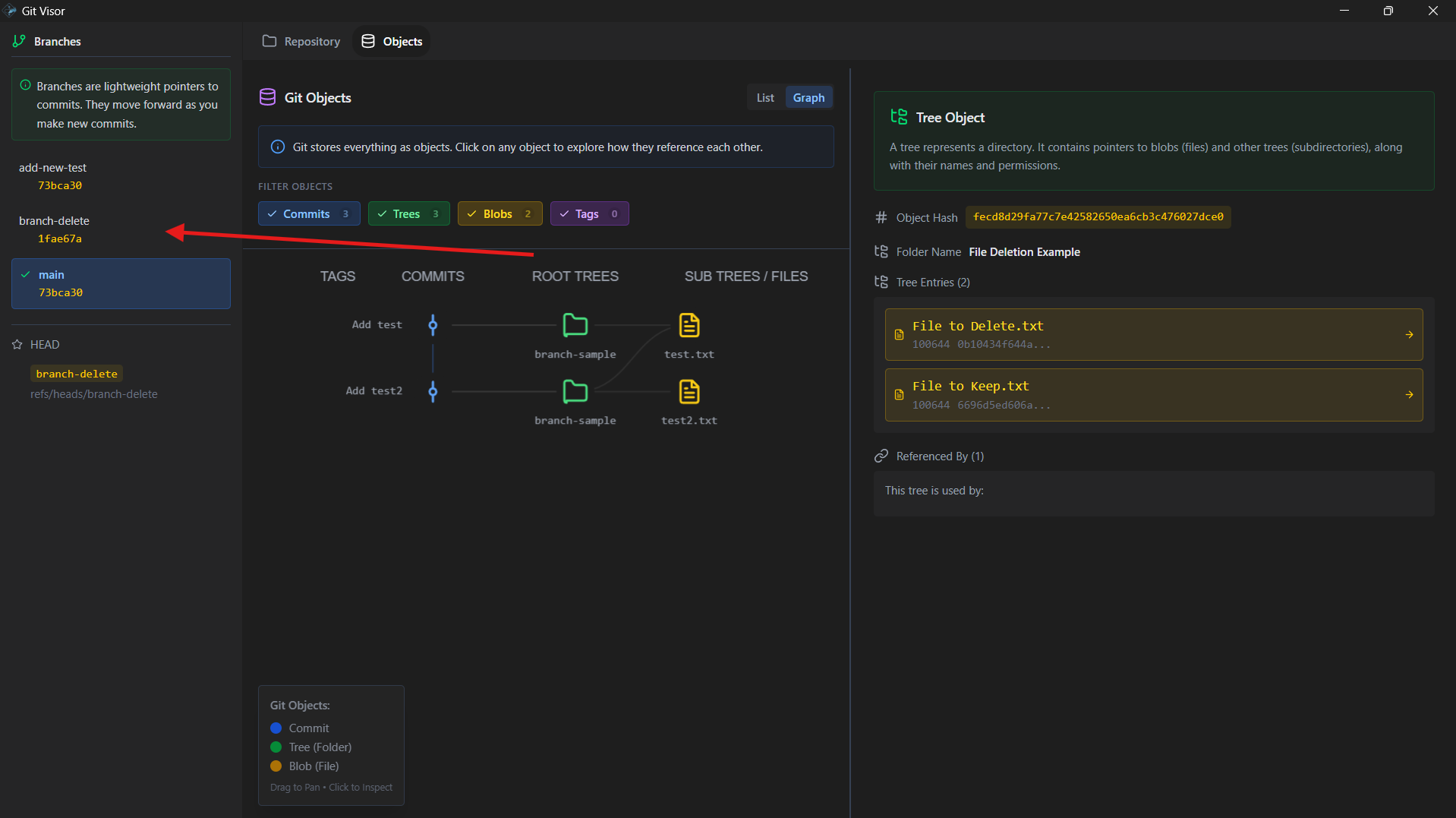
- Once the repository is loaded, head over to the "Objects" tab to view the internal state of your Git repository. There are two choices of visualisation: "List" and "Graph". The "List" view shows a list of all Git objects in the repository, while the "Graph" view shows a visual representation of the commit history and branch structure of the repository.
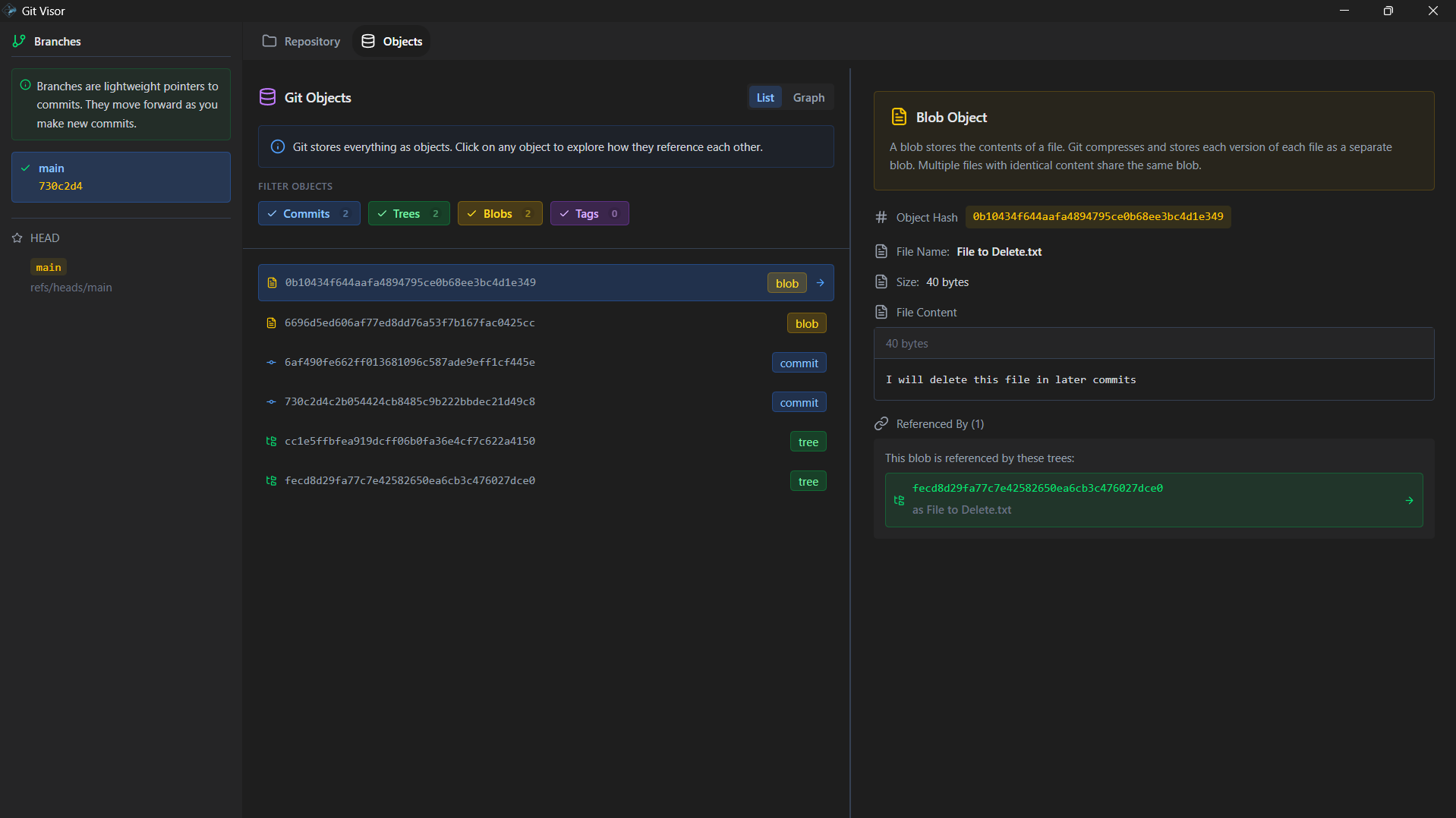
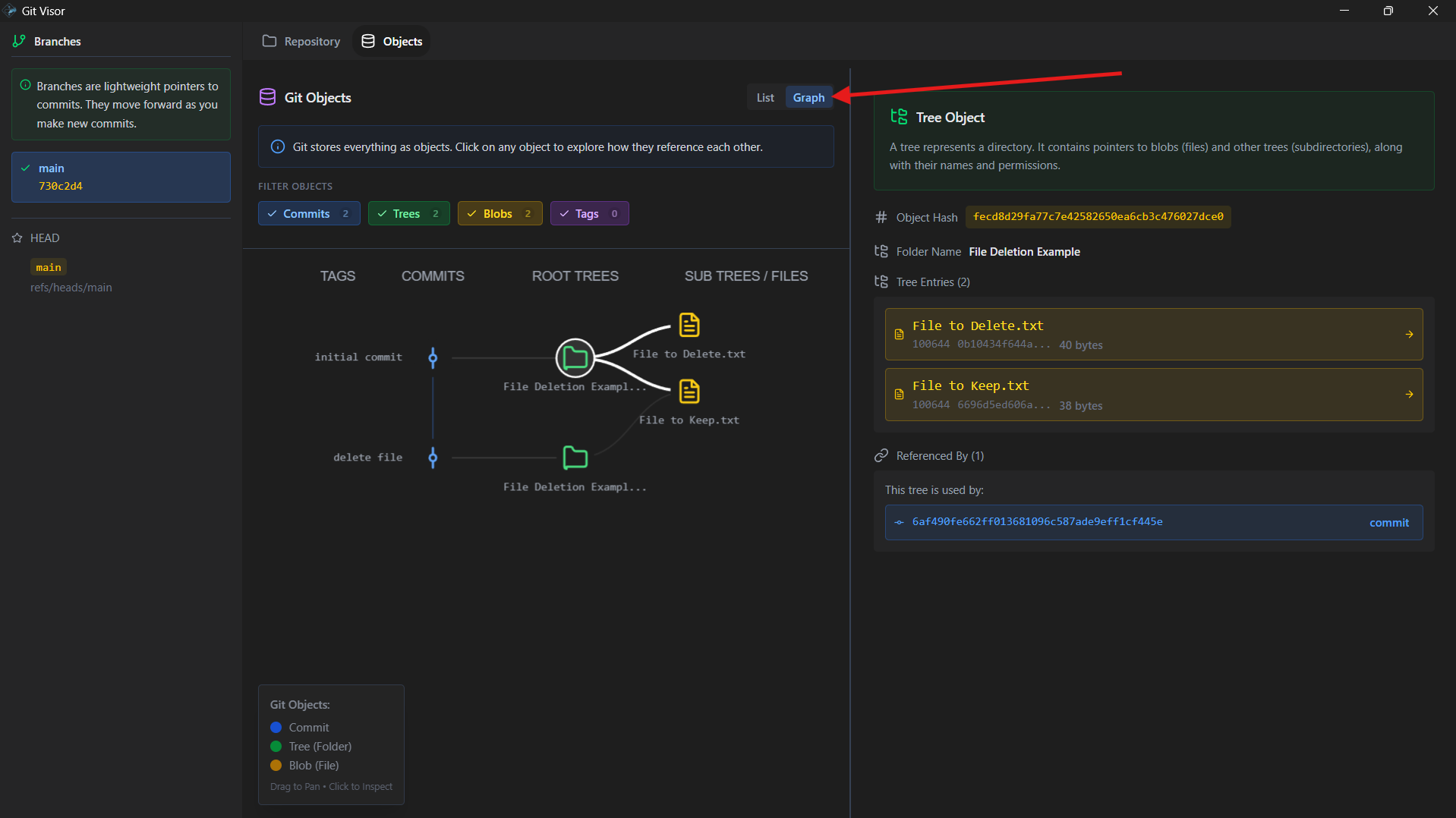
- In both views, you can click on any object to view its details, such as its type, size, and content. In the "Graph" view, you can also drag nodes around to rearrange the graph for better visibility.
- On the left sidebar, the branch panel allows you to select which branches to display in the graph.
- [Optional] In the repository tab, you can also export JSON data of the Git objects in the repository by clicking on the "Export JSON" button. You can then upload it to your github and use the link to load the data in the web app if you want to view the visualisation on the web app or share it with others.
Navigating the Graph
To understand more about what the graph represents and how to navigate it, check out the Graph Navigation Guide.