Graph Navigation Guide
Git Objects
In Git, there are three main types of objects: commits, trees, and blobs. Each object will have a unique hash that identifies it. The graph visualisation in the web app represents these objects and their relationships.
Graph Layout
The graph is laid out in a way that shows the relationships between the objects. However, you can drag the nodes around to rearrange the graph for better visibility. You can also pan around the graph by clicking and dragging on the background.
The lines connecting the nodes represent the relationships between the objects. For example, a commit node will have lines connecting it to its parent commit(s) and its root tree. A tree node will have lines connecting it to the blobs and subtrees it contains.
Object Details
When you click on a node in the graph, you can view its details in the side panel. The details will show the object's type, hash, and other relevant information. The information displayed depends on the type of object you are viewing.
Commits
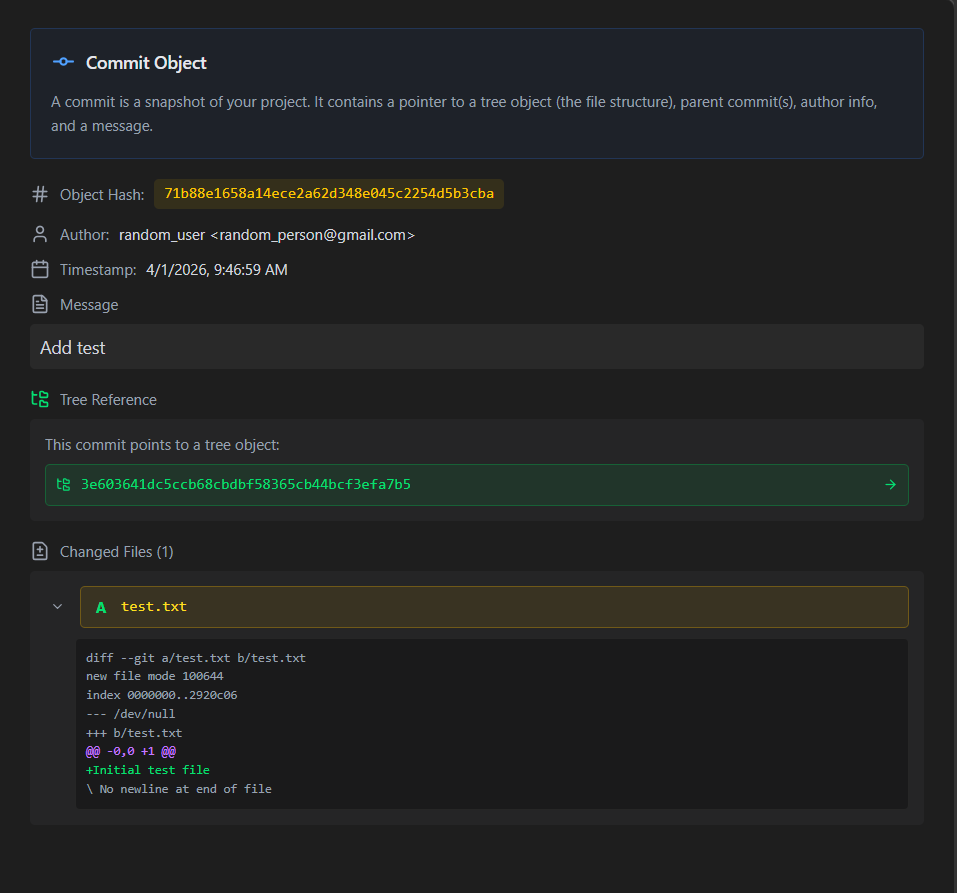
Commits represent a snapshot of the repository at a specific point in time. They contain metadata such as the author, date, and commit message. Each commit will point to a root tree (unique unless the commit is a merge commit) and may have parent commit(s). The commit details also show the changes made to each file. To know more about how to read them, refer to this guide.
git show command to compute these differences and display them in the commit details.
Trees
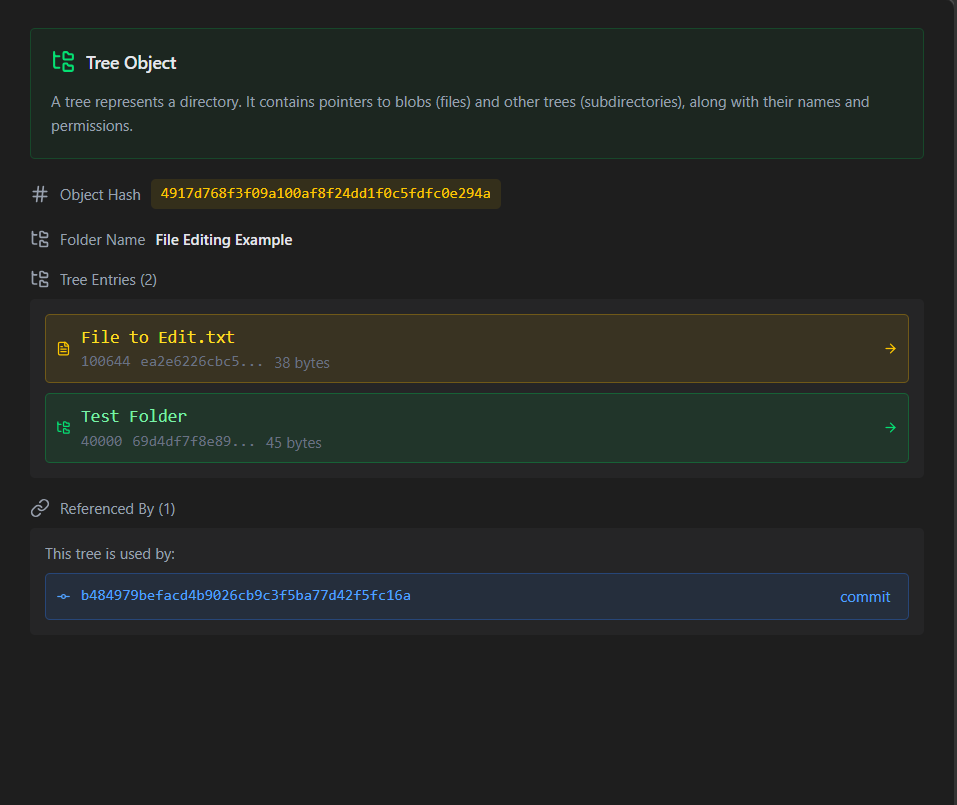
Trees can be thought of as directories in the file system. They contain references to blobs (files) and other trees (subdirectories). The tree objects show the file names, their types (blob or tree), and their corresponding hashes.
Blobs
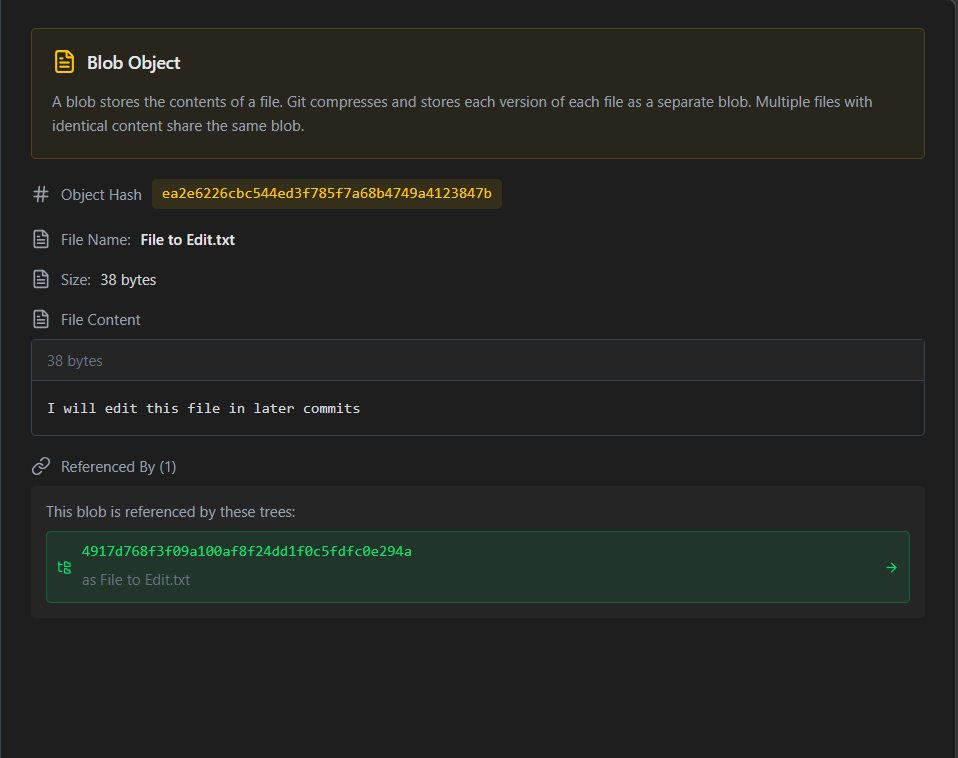
Blobs represent the contents of files. They do not contain any metadata about the file, such as its name or permissions. Instead, they only store the file's content and its hash. This means that if two files have the same content, they will have the same blob hash, even if they have different names or are located in different directories. This is how a Git repository can efficiently store multiple versions of the same file without duplicating the content.